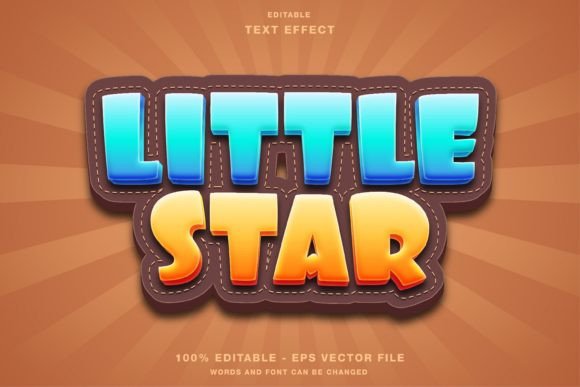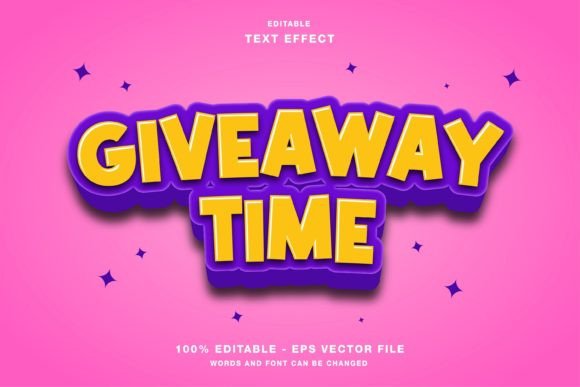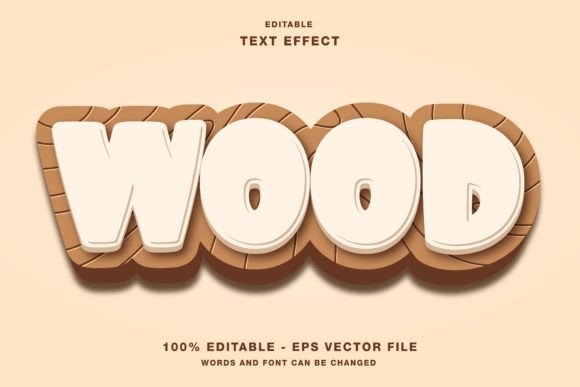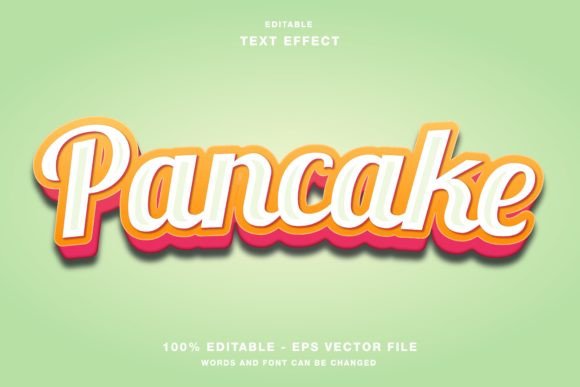
Spring 3D: A Versatile Text Effect for Professional Design Workflows
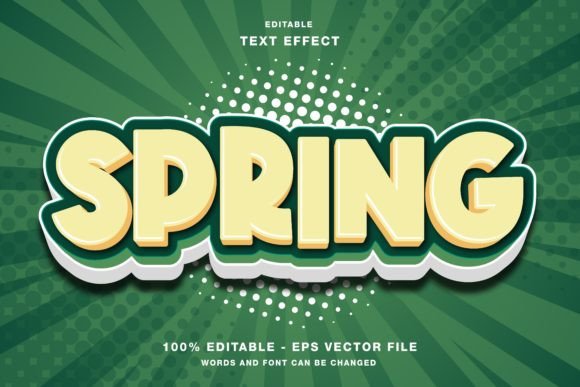
In the competitive landscape of digital and print media, the ability to communicate a message instantly through visual impact is paramount. Designers, marketers, and content creators often find themselves balancing aesthetic ambition with the constraints of tight deadlines. This is where specialized assets like the Spring 3D text effect become an essential component of a streamlined creative process. Rather than spending hours modeling complex three-dimensional typography from scratch in vector software, professionals can leverage pre-built, editable templates to achieve high-quality results efficiently. The Spring 3D template is specifically engineered for Adobe Illustrator, offering a robust solution for those who need dynamic, eye-catching headlines without sacrificing the flexibility required for customization.
The core value of this resource lies in its editability. Unlike static image files that lock a designer into a specific font, color, or layout, the Spring 3D effect is constructed as a fully editable vector file. This distinction is critical for workflows that demand iteration and adaptation. Whether you are designing a social media banner for Instagram, a promotional flyer for a local event, or a magazine cover for a publication, the ability to modify the underlying text elements ensures that the asset remains relevant to your specific project needs. By integrating this tool into your design routine, you shift the focus from technical construction to strategic application, allowing more time for refining the overall composition and messaging.
Understanding the Spring 3D Asset Structure
To utilize the Spring 3D text effect effectively, it is important to understand its technical foundation. The template is provided in both EPS and JPG formats within the main folder, catering to different stages of the production pipeline. The EPS (Encapsulated PostScript) file is the primary working document, designed for use within Adobe Illustrator. Because it is a vector format, the graphics remain crisp at any scale, making them ideal for large-format printing such as posters and billboards, as well as for high-resolution web displays.
A crucial aspect of this template is its color mode. The text effect is set to RGB (Red, Green, Blue), which is the standard color space for digital screens. This makes the asset immediately suitable for web designs, social media promotions on platforms like Twitter, Facebook, and Instagram, and digital presentations. For designers working primarily in print, it is worth noting that while the default is RGB, the vector nature of the EPS file allows for conversion to CMYK if necessary for physical publications, though care must be taken to ensure color accuracy during the transition. The inclusion of JPG files provides a quick preview option or a rasterized version for use in non-vector environments, adding another layer of versatility to the workflow.
Integrating Spring 3D into Digital Marketing Campaigns
Digital marketing relies heavily on stopping power—the ability of a visual element to halt the scroll of a user browsing through their feed. The Spring 3D effect is particularly effective in this context due to its dimensional depth and vibrant potential. When planning a campaign, designers can use this template to create consistent branding across multiple touchpoints. For instance, a product launch might require a series of posts for Instagram Stories, a pinned tweet, and a Facebook cover photo. Using the same Spring 3D base ensures visual cohesion while allowing for variations in copy and color to suit each platform's specific audience.
The process of implementation begins with opening the EPS file in Illustrator. Once loaded, the designer can select the text layers and replace the placeholder words with their own headlines. Because the 3D effects, shadows, and highlights are applied as separate vector objects or effects linked to the text, changing the wording does not break the design. This modularity supports rapid prototyping. A marketer can test five different headline variations within minutes, observing how the Spring 3D style interacts with different word lengths and character structures. This agility is vital for A/B testing strategies where speed and variety are key to identifying the most engaging content.
Applications in Print and Publication Design
While the RGB color mode suggests a digital-first approach, the Spring 3D template is equally valuable for print projects when managed correctly. Publications such as magazines, event papers, and flyers often require bold, attention-grabbing headlines that stand out on a newsstand or in a mailbox. The 3D nature of the effect adds a tactile quality to the design, suggesting depth and substance even on a flat page. For event organizers creating posters, the ability to customize the text means that dates, times, and venue names can be integrated directly into the 3D structure, ensuring that critical information is both legible and visually prominent.
When preparing these assets for print, the workflow involves a few additional quality control steps. After editing the text in the EPS file, the designer should review the color palette. If the final output is for offset printing, converting the RGB values to CMYK is necessary to avoid unexpected color shifts. However, because the file is editable, this conversion can be done globally or adjusted per element to maintain the vibrancy of the 3D highlights. The vector format ensures that no pixelation occurs when the design is scaled up for large banners or posters, maintaining professional quality regardless of the final dimensions.
Optimizing Workflow Efficiency and Organization
For freelancers and small business owners, time management is often the difference between profitability and burnout. Integrating the Spring 3D text effect into a standardized workflow can significantly reduce production time. Instead of starting every new project with a blank canvas, designers can establish a library of go-to templates. The Spring 3D asset serves as a foundational block that can be duplicated and adapted for various clients or campaigns. This approach promotes consistency in output quality while accelerating the turnaround time for deliverables.
Organization plays a key role in maximizing the utility of this resource. It is advisable to store the original EPS and JPG files in a dedicated "Master Assets" folder to prevent accidental overwriting of the base template. When beginning a new project, users should save a copy of the file with a unique name before making edits. This practice preserves the integrity of the original template for future use. Furthermore, understanding the layer structure within the Illustrator file allows for more precise editing. By grouping related elements—such as the text body, the extrusion, and the drop shadows—designers can toggle visibility or lock specific parts of the design to streamline the editing process.
Strategic Customization and Creative Flexibility
The true power of the Spring 3D template lies in its capacity for customization beyond simple text replacement. While the core effect is pre-designed, the editable nature of the file invites further creative manipulation. Designers can adjust the hue, saturation, and brightness of individual layers to match specific brand guidelines. For example, a tech company might prefer cool blues and metallic grays, while a lifestyle brand might opt for warm pastels or vibrant neons. The ability to recolor the entire effect without losing the 3D definition allows for seamless integration into diverse brand identities.
Furthermore, the template can be combined with other design elements to create more complex compositions. The 3D text can serve as a focal point overlaid on photography, paired with minimalist icons, or integrated into intricate geometric patterns. This flexibility supports a wide range of design styles, from modern and sleek to retro and playful. By treating the Spring 3D effect as a modular component rather than a finished product, creators can push the boundaries of their work while maintaining a solid structural foundation. This adaptability ensures that the asset remains useful across various industries and project types, from corporate reports to artistic portfolios.
Long-Term Value and Skill Development
Beyond immediate project completion, using tools like the Spring 3D text effect offers long-term benefits for professional development. Engaging with editable vector files enhances a designer's familiarity with Adobe Illustrator's advanced features, such as pathfinding, gradient meshes, and transparency effects. As users explore the layers and structure of the template, they gain insights into how complex 3D illusions are constructed in a 2D environment. This knowledge can be applied to creating original assets in the future, fostering a deeper understanding of the software and expanding creative capabilities.
Moreover, the efficiency gained from using high-quality templates allows professionals to allocate more time to strategic thinking and client communication. By reducing the time spent on repetitive technical tasks, designers can focus on higher-level decisions regarding layout, typography hierarchy, and visual storytelling. This shift in focus contributes to better overall outcomes and more satisfied clients. In a field where trends evolve rapidly, having a reliable toolkit of adaptable resources like Spring 3D ensures that creators can respond quickly to new opportunities without compromising on quality or creativity.
Ultimately, the Spring 3D text effect represents more than just a graphic element; it is a practical instrument for enhancing productivity and visual impact. Whether used for a quick social media update or a comprehensive print campaign, its editable, customizable nature fits seamlessly into modern design workflows. By understanding its technical specifications and integrating it thoughtfully into the planning and execution phases of a project, professionals can achieve superior results with greater ease and confidence.