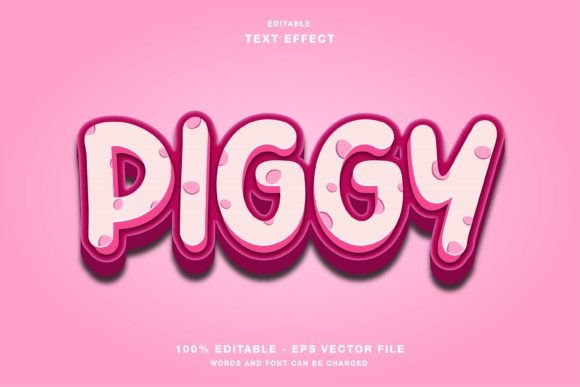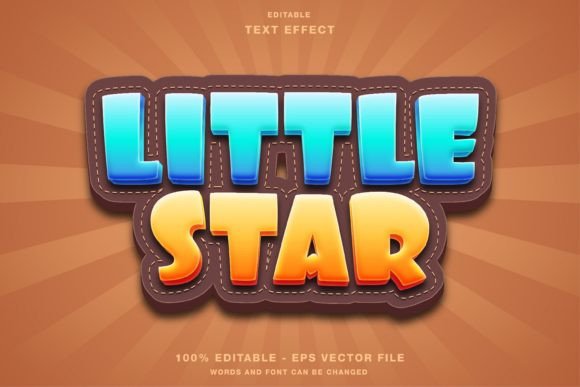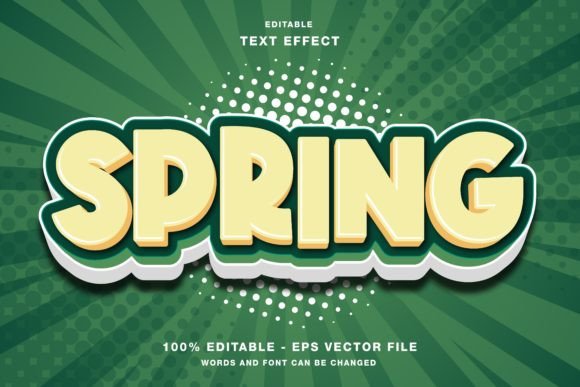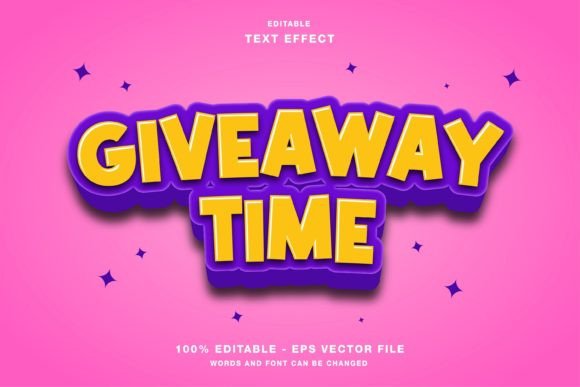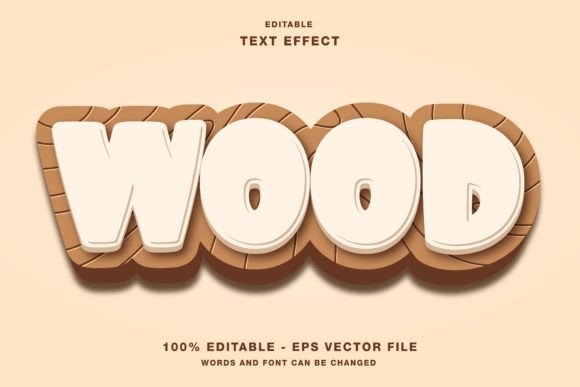
Wood Cartoon: A Versatile Text Effect for Designers
In the crowded landscape of digital and print media, standing out often comes down to a single element: typography. While standard fonts serve their purpose, they rarely capture attention on their own. This is where specialized design assets come into play, offering creators a shortcut to professional-grade visuals without the hours of manual illustration required. One such asset that has gained traction among designers is the Wood Cartoon text effect. This unique style combines the organic warmth of wood textures with the playful, exaggerated lines of cartoon art, creating a visual language that feels both rustic and modern.
For professionals using Adobe Illustrator, this isn't just a static image; it is an editable template designed to streamline the creative process. Whether you are crafting a headline for a social media campaign or designing a flyer for a local event, understanding how to leverage the Wood Cartoon effect can significantly elevate your project's impact.
The Essence of the Wood Cartoon Style
The appeal of the Wood Cartoon aesthetic lies in its duality. On one hand, the "wood" component evokes feelings of nature, craftsmanship, and durability. It suggests something handmade and authentic. On the other hand, the "cartoon" aspect introduces energy, approachability, and fun. When these two elements merge, the result is a text effect that is visually textured yet easy to read.
This style is particularly effective because it breaks the monotony of flat, vector-based designs. In a world dominated by sleek, minimalist interfaces, a Wood Cartoon text effect adds depth and character. It transforms simple letters into objects that appear to have been carved from timber and then stylized with bold outlines and vibrant colors. This makes the text pop off the page or screen, drawing the eye immediately to the message.
Why Editability Matters in Modern Design
A common pain point for graphic designers working with pre-made assets is the lack of flexibility. Many text effects are delivered as flattened raster images (like JPGs) where the text cannot be changed without starting over. The Wood Cartoon template solves this problem by being fully editable within Adobe Illustrator.
This editability is crucial for several reasons:
- Customization: You can change the wording instantly to match your specific campaign, brand name, or event title without losing the intricate wood texture details.
- Scalability: Because the core structure is vector-based, you can resize the text to fit a massive billboard or a tiny mobile icon without any loss of quality.
- Color Adaptation: While the default look mimics natural wood tones, the editable layers allow you to shift the color palette to align with your brand guidelines while maintaining the cartoonish structural integrity.
This feature ensures that the tool remains a dynamic part of your workflow rather than a static limitation.
Practical Applications Across Media
The versatility of the Wood Cartoon text effect extends far beyond a single use case. Its hybrid nature makes it suitable for a wide array of platforms, from digital screens to physical print materials. Understanding where to apply this effect can help maximize its effectiveness.
Social Media Promotions
Platforms like Instagram, Twitter (X), and Facebook thrive on visual engagement. Users scroll quickly, so content must grab attention within seconds. A Wood Cartoon headline acts as a powerful hook. For example, imagine an Instagram post promoting a summer music festival. Using a standard font might blend into the feed, but a Wood Cartoon text effect reading "SUMMER VIBES" creates an immediate association with outdoor fun and relaxation. The texture suggests a campfire or a stage built from logs, reinforcing the theme before the user even reads the caption.
Print Publications and Events
When moving to physical media, such as flyers, posters, magazines, or event papers, the tactile quality of the Wood Cartoon effect becomes even more relevant. Even though the final output is printed ink on paper, the visual illusion of wood grain adds a layer of sophistication. It works exceptionally well for:
- Craft Beer Menus: Reinforcing the artisanal nature of the product.
- Kids' Party Invitations: The cartoon element appeals to children, while the wood texture fits themes like jungle adventures or treehouse parties.
- Eco-Friendly Product Launches: Signaling sustainability and natural ingredients through visual cues.
Technical Specifications and Workflow Integration
For designers to effectively utilize the Wood Cartoon template, understanding its technical foundation is essential. The package typically includes files in both EPS (Encapsulated PostScript) and JPG formats. Each serves a distinct purpose in the design workflow.
The EPS file is the workhorse of the package. It contains all the editable vector paths, allowing you to open the file directly in Adobe Illustrator. Here, you can access the text layers, modify the font, adjust the anchor points of the wood grain patterns, and alter stroke weights. This is where the true power of the template lies. It allows for deep customization, ensuring that the final output is unique to your project.
The JPG file, conversely, is useful for quick previews or for inserting the effect into software that does not support vector editing, such as certain web editors or basic presentation tools. However, for high-quality production, the EPS file should always be the primary source.
It is also important to note the color mode. The Wood Cartoon text effect is created in RGB (Red, Green, Blue). This is the standard color mode for digital displays, including websites, smartphones, and tablets. If you plan to use this effect for print, you will need to convert the document to CMYK (Cyan, Magenta, Yellow, Key/Black) within Illustrator before sending it to a printer. Fortunately, because the file is editable, this conversion is straightforward. Just be aware that some very bright RGB colors may shift slightly when converted to CMYK, so a final review of the color profile is recommended for critical print jobs.
Evaluating Suitability for Your Project
While the Wood Cartoon effect is versatile, it is not a universal solution. Evaluating whether it fits your specific needs requires considering your brand identity and the context of the message.
When to Use It: Choose this effect when you want to convey creativity, approachability, and a connection to nature or craft. It is ideal for lifestyle brands, entertainment events, children's products, and casual marketing campaigns. If your goal is to make a headline feel friendly and inviting, this is an excellent choice.
When to Avoid It: Conversely, if your project demands strict corporate formality, legal seriousness, or high-tech minimalism, the Wood Cartoon style may feel too playful or informal. For instance, a law firm's annual report or a medical research journal would likely benefit from a cleaner, more traditional serif or sans-serif typeface. The key is alignment between the visual style and the intended emotional response of the audience.
Maximizing Value with Customization
The true value of the Wood Cartoon template lies in how much you can adapt it. Do not simply accept the default settings. Experiment with different wood tones—perhaps shifting from a light pine to a dark walnut—to see which resonates better with your background. You can also play with the cartoon outlines, thickening them for a bolder statement or thinning them for a more delicate look.
Furthermore, consider combining the Wood Cartoon text with other design elements. Pairing it with flat illustrations, watercolor backgrounds, or geometric shapes can create a balanced composition that highlights the text without overwhelming the viewer. The ability to edit every element means you are not limited by the template; instead, the template serves as a robust foundation upon which you can build something entirely new.
Conclusion
In the realm of graphic design, efficiency and creativity often walk hand in hand. The Wood Cartoon text effect represents a perfect intersection of these two goals. By providing an editable, high-quality resource in EPS and JPG formats, it empowers creators to produce stunning headlines for web designs, social media promotions, and print publications without starting from scratch.
Whether you are a seasoned professional looking to speed up your workflow or a business owner seeking to enhance your promotional materials, this tool offers a practical solution. Its RGB compatibility ensures it shines on digital screens, while its customizable nature allows for seamless adaptation to various contexts. By understanding its strengths, limitations, and applications, you can harness the power of the Wood Cartoon style to communicate your message with clarity, charm, and visual impact.