Kalimaya - Keynote Template Evaluation
In the landscape of professional presentation design, the choice of a template often dictates the initial perception of a speaker's content. The Kalimaya - Keynote Template represents a specific category of digital assets designed to streamline the creation process for Apple Keynote users. This tool offers a pre-structured framework containing 150 total slides across five premade color schemes, aiming to reduce the time spent on layout and formatting. For individuals or organizations seeking to standardize their visual communication without investing in custom graphic design services, understanding the capabilities and limitations of this specific template is essential for making an informed decision.
Understanding the Core Structure
The Kalimaya - Keynote Template is built upon a vector-based architecture, which ensures that all graphical elements remain crisp regardless of the screen size or resolution used during projection. Unlike raster-based images that can become pixelated when zoomed, vector graphics scale infinitely, a critical feature for widescreen presentations common in modern conference rooms and home theaters. The package includes five distinct Keynote files, each corresponding to one of the five premade color themes. This structure allows users to maintain brand consistency while having the flexibility to switch between different tonal palettes depending on the context of the meeting.
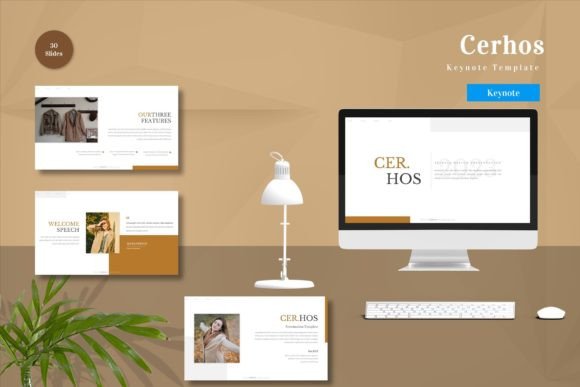
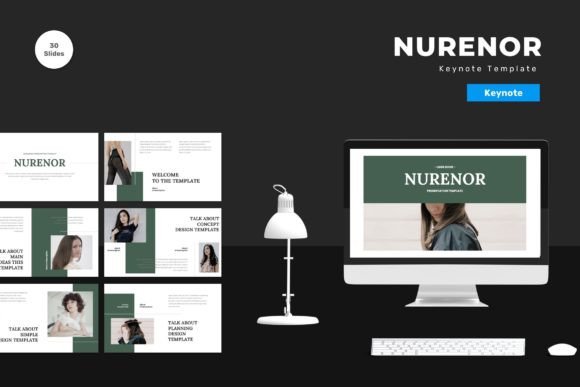
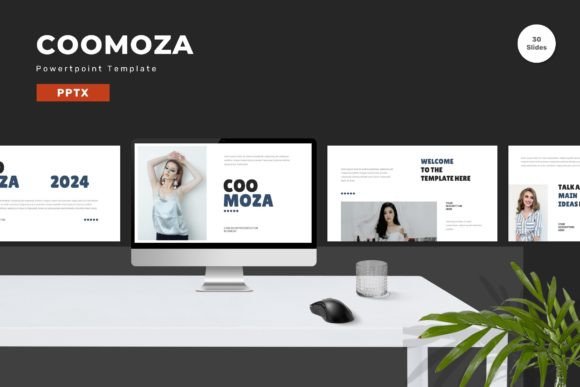
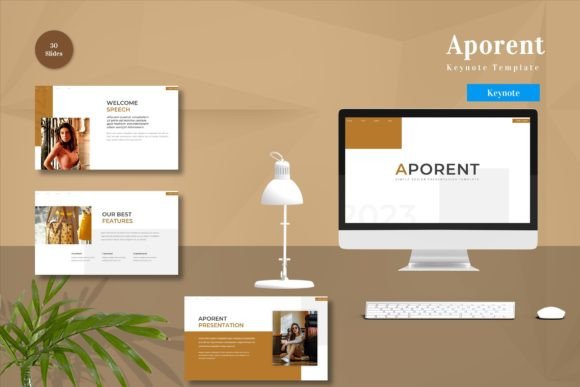
At its core, the template provides 30 useful slide layouts within the broader collection of 150 slides. These layouts are designed to cover common presentation needs, such as title pages, content lists, image showcases, data visualization, and conclusion summaries. The "master slides" approach means that changes made to the master layout propagate throughout the deck, ensuring uniformity in fonts, logos, and background elements. Additionally, the inclusion of animated slides suggests that the template supports dynamic transitions, allowing presenters to reveal information sequentially rather than displaying all content at once.
Reasons for Interest and Potential Benefits
Several factors might lead a researcher or business professional to consider the Kalimaya - Keynote Template. The primary driver is often efficiency. Creating a high-quality presentation from scratch requires significant time investment in aligning text boxes, choosing complementary colors, and selecting appropriate typography. By utilizing a template with 150 pre-designed slides, users can bypass these foundational steps and focus immediately on content creation. The ability to simply drag and drop images into placeholders further accelerates this workflow.
Another significant benefit is the versatility provided by the five premade colors. In a corporate environment, different departments or projects may require distinct visual identities. Having multiple color variations within a single purchase eliminates the need to buy separate templates for different use cases. Furthermore, the recommendation of free web fonts addresses a common compatibility issue. When presentations are shared across different devices, missing fonts can ruin the layout. By relying on widely available, free web fonts, the template reduces the risk of formatting errors when the file is opened on a machine other than the creator's.
The editable nature of the elements is also a key consideration. Users are not locked into static designs; they can input their own content, replace placeholder images with actual photographs or charts, and modify colors to match specific branding guidelines. This level of customization is crucial for maintaining authenticity while leveraging the structural benefits of a template.
Tradeoffs and Practical Considerations
While the Kalimaya - Keynote Template offers substantial advantages, there are tradeoffs that potential users must weigh. The most notable limitation is the scope of the "useful" slides. Although the package contains 150 total slides, only 30 are described as unique, useful layouts. The remaining slides likely consist of variations of these core layouts (e.g., different column arrangements or minor stylistic tweaks). Users requiring highly specialized diagrams, complex infographics, or niche industry-specific charts may find the included variety insufficient.
Additionally, the reliance on animation requires careful management. While animated slides can engage an audience, overuse can distract from the core message. Presenters must ensure that the animations serve a functional purpose, such as pacing the delivery of information, rather than acting as mere decoration. There is also the consideration of the learning curve. While the template is described as easily editable, users unfamiliar with Keynote's master slide system may initially struggle to make global changes without accidentally altering individual slide content.
It is also important to note that preview images are not included in the final download. This means the visual assets seen in marketing materials are for demonstration purposes only. Users must source their own high-quality imagery to fill the placeholders. If a user expects a complete package with stock photos included, this template would not meet those expectations. The responsibility for sourcing relevant, high-resolution images lies entirely with the presenter.
Ideal Scenarios for Implementation
The Kalimaya - Keynote Template is a strong fit for several specific situations. It is particularly well-suited for startups and small businesses that need to project a polished image but lack the budget for a dedicated design team. The professional aesthetic and consistent branding capabilities allow these entities to compete visually with larger corporations. Similarly, it serves educators and trainers who frequently deliver lectures or workshops. The variety of layouts supports diverse teaching methods, from text-heavy explanations to image-driven storytelling.
Freelancers and consultants who pitch to multiple clients will also find value in the five premade color options. They can quickly adapt a single deck to match a client's brand colors without starting from zero. The widescreen format is another advantage, as it aligns with the aspect ratios of modern projectors and monitors, ensuring that the presentation fills the screen without awkward black bars or cropping issues. For anyone needing to produce a series of presentations with a unified look, the master slide functionality ensures that updates to the logo or footer are applied instantly across the entire deck.
When to Consider Alternatives
Despite its strengths, there are scenarios where alternatives to the Kalimaya - Keynote Template may be more appropriate. If a presentation requires highly technical data visualization, such as complex financial modeling charts or scientific diagrams, a general-purpose template may lack the necessary depth. In such cases, specialized industry templates or custom-built slides might be more effective. Similarly, if the target audience uses software other than Apple Keynote, such as Microsoft PowerPoint or Google Slides, this template is incompatible. Converting the file formats can sometimes result in lost animations or formatting errors, making a native template for the required software a safer choice.
Furthermore, organizations with strict brand guidelines that extend beyond simple color changes might find the template too rigid. If the branding requires specific icon sets, proprietary fonts, or unique layout structures that deviate significantly from standard master slides, the effort required to customize Kalimaya could exceed the cost of hiring a designer. Finally, for very short, informal presentations, the overhead of setting up a 150-slide template might be unnecessary. A simpler, minimalistic template or even a blank canvas could be more efficient for quick, ad-hoc meetings.
Decision-Making Insights
Before acquiring the Kalimaya - Keynote Template, users should evaluate their specific workflow requirements. Ask whether the 30 core layouts cover the majority of your presentation needs. Consider the time saved by using a pre-formatted structure versus the time potentially spent customizing elements that do not fit perfectly. Review the included readme file carefully, as it provides instructions on how to utilize the features effectively, including the installation of recommended fonts.
Ultimately, the value of the Kalimaya - Keynote Template lies in its balance between structure and flexibility. It is not a magic solution that creates content, but rather a robust framework that organizes it. For professionals who understand the basics of presentation design and need a reliable, scalable tool to enhance their delivery, it offers a practical solution. However, for those with highly specialized needs or strict cross-platform requirements, exploring alternative resources may yield better results. By aligning the template's features with personal or organizational goals, users can determine if this tool is the right investment for their communication strategy.