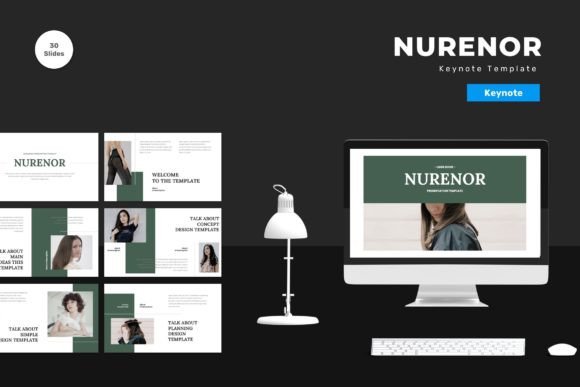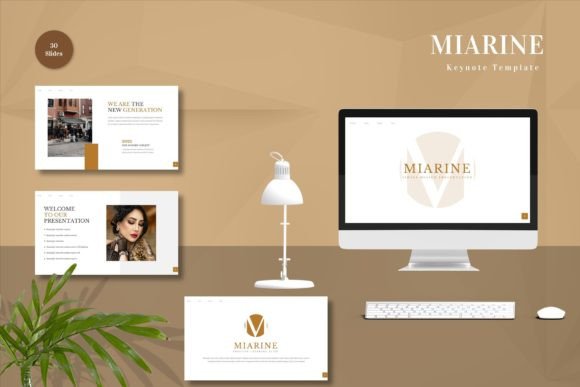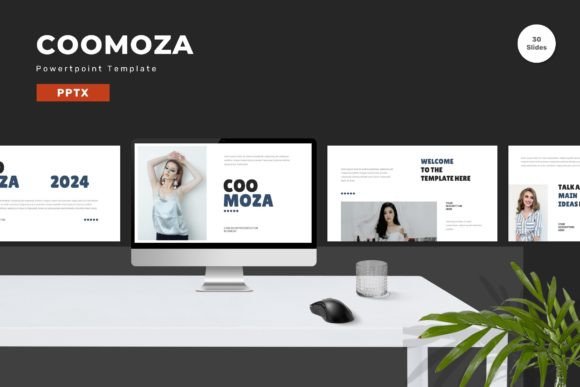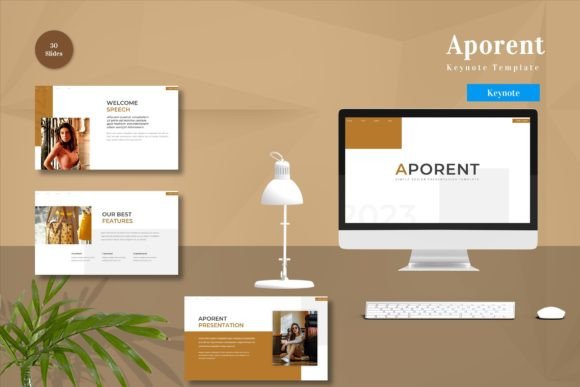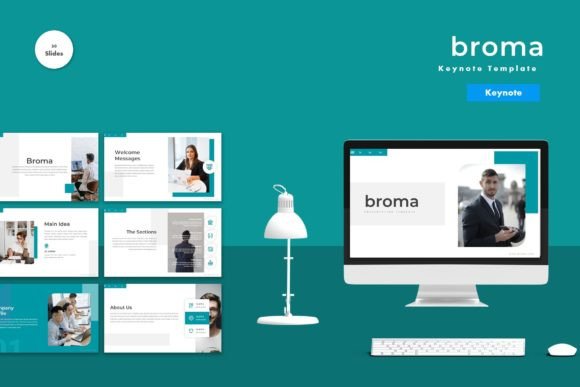
Broma - Keynote Template for Professional Presentations
In the fast-paced world of modern communication, a presentation is often the difference between securing a major investment or losing a client's interest. For professionals, educators, and entrepreneurs alike, the visual delivery of ideas matters just as much as the content itself. This is where Broma - Keynote Template steps in as a versatile solution designed to elevate your slide decks without requiring advanced design skills. Whether you are pitching a startup idea, teaching a complex subject, or reporting quarterly results, having a polished, cohesive visual framework can significantly reduce stress and improve engagement.
The core value of Broma lies in its flexibility. Unlike static templates that force your content into rigid boxes, this resource allows you to input your own data, swap out placeholder images with your own assets, and adjust color schemes to match your brand identity. It bridges the gap between professional graphic design and user-friendly editing tools, ensuring that your final output looks custom-made rather than generic.
A Comprehensive Toolkit for Every Slide Need
One of the most striking aspects of Broma - Keynote Template is the sheer volume of resources it provides. With 150 total slides, users have access to an extensive library of layouts tailored for different sections of a presentation. However, quantity does not come at the expense of quality. The package includes 30 useful slides that serve as the backbone for essential narrative structures, such as executive summaries, team introductions, financial overviews, and strategic roadmaps.
For those who need variety without starting from scratch, the template offers 5 premade colors. These palettes are carefully curated to ensure readability and aesthetic appeal across different contexts. If your company uses specific branding guidelines, the vector-based nature of the master slides makes it incredibly easy to change these colors globally. A single adjustment in the master slide view updates the entire deck, saving hours of manual formatting work.
The inclusion of animated slides adds another layer of sophistication. In a digital-first environment, subtle motion can guide the audience's attention and make data visualization more dynamic. Broma integrates these animations seamlessly, allowing you to present information progressively rather than overwhelming viewers with walls of text all at once.
Why Vector-Based Design Matters for Long-Term Use
When selecting a presentation tool, many users overlook the underlying file structure until they run into issues with image quality or scalability. Broma - Keynote Template is built on vector-based master slides. This technical detail is crucial for professionals who present on various screen sizes, from small laptops to massive conference hall projectors.
Vector graphics do not pixelate when resized. This means your charts, icons, and layout elements remain crisp and sharp regardless of the display resolution. For business owners and marketers who repurpose content across different platforms—such as embedding slides in emails, websites, or PDF reports—this scalability ensures your brand always looks professional. Additionally, because the elements are editable vectors, you can modify shapes and lines directly within Keynote, offering a level of customization that raster-based images simply cannot provide.
Streamlining Your Workflow with Drag-and-Drop Simplicity
Time is a luxury few professionals have. The last thing you want to do is spend days wrestling with alignment tools and font pairings. Broma is designed with efficiency in mind, utilizing a drag-and-drop interface that simplifies the creation process. You can easily replace placeholder images by dragging your own files onto the canvas, and the template automatically adjusts the sizing to fit the frame.
The template also recommends free web fonts that are widely available and highly readable. Typography plays a significant role in how information is perceived; using clean, modern fonts helps maintain focus on your message. By pre-configuring these settings, Broma removes the guesswork from typography, ensuring that your text is legible and aesthetically pleasing right out of the box.
Furthermore, the package includes a detailed Readme First document. This guide serves as an onboarding tool, explaining how to navigate the files, customize the colors, and utilize the animation features effectively. Even if you are new to Keynote, this documentation provides the necessary context to get started immediately, reducing the learning curve significantly.
Practical Applications Across Industries
The versatility of Broma - Keynote Template makes it suitable for a wide range of scenarios beyond standard corporate meetings. Here is how different professionals can leverage its features:
- Entrepreneurs and Startups: When pitching to investors, first impressions are critical. The 5 premade colors allow founders to align the deck with their startup's branding, while the 30 useful slides cover all the bases of a standard pitch deck, including problem statements, solutions, market analysis, and financial projections.
- Educators and Trainers: Teachers and corporate trainers benefit from the animated slides, which can help break down complex concepts step-by-step. The ability to quickly swap images allows for the integration of relevant case studies or real-world examples during lectures.
- Freelancers and Creatives: For designers and marketers showcasing portfolios, the clean, vector-based layout highlights work samples without distracting clutter. The widescreen format ensures that visual projects are displayed in high definition.
- Business Owners: Quarterly reviews and annual reports require clarity and precision. The structured layouts in Broma help organize large amounts of data into digestible charts and graphs, making it easier for stakeholders to grasp key performance indicators.
Technical Specifications and What to Expect
Before downloading, it is important to understand exactly what is included in the package. You will receive 5 Keynote files, each corresponding to one of the premade color themes. All files are optimized for widescreen displays, which is the standard for modern monitors and projectors. This ensures that your presentation fills the screen correctly without black bars or distorted aspect ratios.
It is worth noting that while the template provides a robust framework, preview images shown in marketing materials are typically for demonstration purposes only and are not included in the final download. You will need to supply your own imagery to complete the look. However, the ease of replacing these placeholders means you can populate the deck with your own branded visuals in minutes.
Maximizing Value with Strategic Customization
To get the most out of Broma - Keynote Template, consider adopting a consistent approach to customization. Start by reviewing the Readme file to understand the hierarchy of the master slides. Change the global color scheme early in the process to avoid reformatting individual slides later. Select a primary color that reflects your brand's personality and let the template handle the complementary shades.
When adding content, resist the urge to overcrowd the slides. The strength of this template lies in its clean design and use of white space. Use the animated transitions to reveal points sequentially, keeping the audience focused on the current topic. Remember that a presentation is a visual aid to your speech, not a script. Let the design support your narrative rather than compete with it.
By choosing a tool that balances professional aesthetics with practical usability, you invest time and energy into refining your message rather than fighting with software. Broma - Keynote Template offers a reliable foundation for creating impactful presentations that resonate with audiences, whether you are addressing a boardroom or a classroom. Its combination of extensive layouts, editable vectors, and intuitive design makes it a valuable asset for anyone looking to communicate with confidence and style.