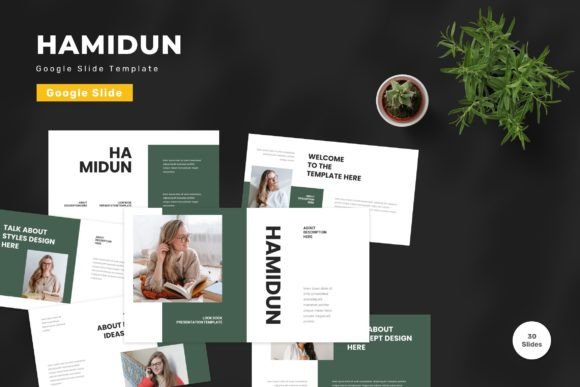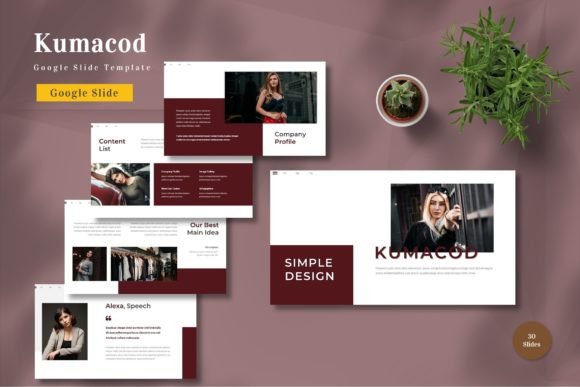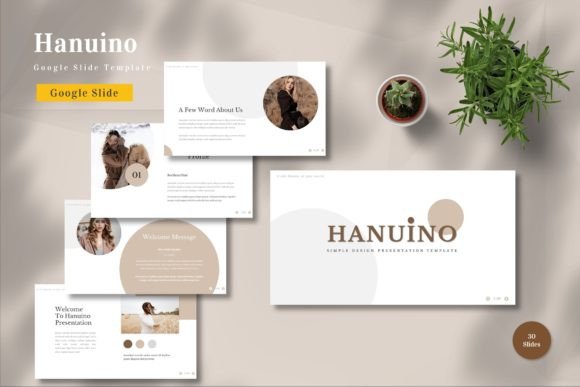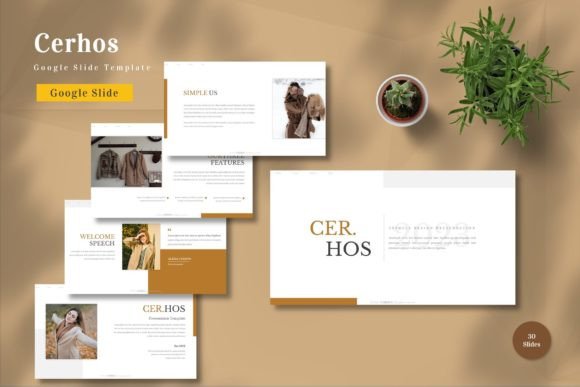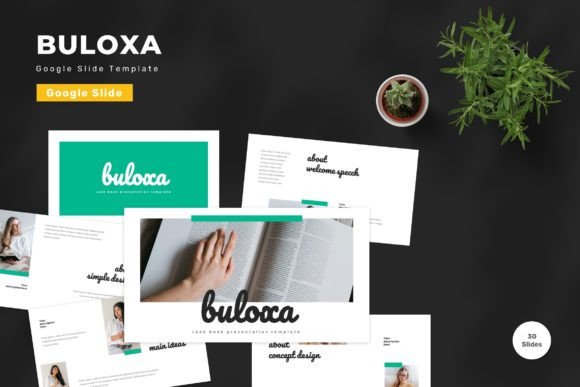
Buloxa - Google Slide Template for Professionals
In the fast-paced world of digital communication, the quality of your presentation often speaks louder than the data you present. Whether you are pitching a startup to venture capitalists, delivering a quarterly report to stakeholders, or teaching a complex concept to students, the visual container for your ideas matters immensely. This is where the Buloxa - Google Slide Template steps in as a robust solution for anyone looking to elevate their slide decks without sacrificing time or design integrity. Unlike generic templates that feel stiff and impersonal, Buloxa offers a dynamic, vector-based framework designed to adapt seamlessly to your specific narrative.
The core value of this template lies in its versatility. It is not merely a collection of static backgrounds; it is a comprehensive toolkit comprising 150 total slides, organized into 30 distinct, useful layouts. For professionals who find themselves juggling multiple projects, having a single resource that covers everything from agenda slides to financial charts and team introductions is a significant productivity booster. The inclusion of five premade color schemes ensures that you can maintain brand consistency while still offering variety when presenting to different audiences.
Mastering Visual Storytelling with Vector-Based Design
One of the most critical technical aspects of the Buloxa template is its reliance on vector-based graphics. In the realm of digital design, vectors are superior to raster images because they scale infinitely without losing resolution. When you project a presentation onto a massive conference room screen or export it for high-definition video playback, vector elements remain crisp and sharp. This attention to detail ensures that your professional image remains intact regardless of the viewing environment.
Furthermore, the template is built on Master Slides. This architectural choice allows users to make global changes across the entire deck instantly. If you decide that your company's primary blue needs to be slightly darker, or if you need to update the footer logo for a new rebrand, you do not have to edit every single slide manually. By adjusting the master layout, the changes propagate through all 150 slides automatically. This feature alone can save hours of tedious formatting work, allowing you to focus on refining your content rather than fighting with alignment tools.
Customization Without Compromise
A common frustration with premium templates is the difficulty in making them truly your own. Many designs lock users into rigid structures that resist modification. The Buloxa - Google Slide Template breaks this barrier by ensuring that every element is editable. You can input your content directly, replace placeholder images with your own photography, and adjust colors to match your corporate identity guide.
The "drag and drop" functionality simplifies the integration of personal assets. Whether you are inserting a custom infographic, a product photo, or a screenshot of your software interface, the process is intuitive. Additionally, the template recommends free web fonts that are optimized for readability on screens. Typography plays a crucial role in audience retention; using fonts that are both stylish and legible ensures that your key messages are absorbed quickly and effectively. The ability to change these fonts globally further enhances the template's adaptability to different branding requirements.
Real-World Applications Across Industries
The utility of the Buloxa template extends far beyond the corporate boardroom. Its diverse range of layouts makes it suitable for a wide spectrum of use cases:
- Entrepreneurs and Startups: Use the dedicated pitch deck slides to structure your business model, market analysis, and funding requests. The clean, modern aesthetic helps convey professionalism to potential investors.
- Marketers and Agencies: Leverage the creative layouts for campaign proposals and client reports. The animated slide features can help break up dense information and keep client engagement high during reviews.
- Educators and Trainers: Utilize the clear, structured slides for lesson plans and workshops. The ability to easily insert diagrams and charts makes explaining complex theories much more accessible for students.
- Freelancers and Creators: Present portfolio work with style. The flexible image placeholders allow you to showcase your best projects without distracting design elements overshadowing your work.
- Business Owners: Streamline internal communications with standardized meeting agendas and status updates, ensuring that everyone in the organization stays aligned.
Enhancing Engagement with Animation
In an era where attention spans are short, static slides can sometimes fail to hold an audience's interest. The Buloxa template addresses this by including animated slides. These animations are not gimmicky distractions but rather purposeful transitions that guide the viewer's eye and reveal information progressively. This technique, known as chunking, helps prevent cognitive overload by presenting one idea at a time. Whether you are revealing a bullet point list step-by-step or transitioning between sections, the built-in animations add a layer of polish that suggests effort and care.
However, it is important to use these features judiciously. The goal of animation should always be to enhance understanding, not to confuse the audience. The template provides a balanced approach, allowing you to apply motion where it adds value while keeping the overall flow smooth and professional.
Practical Considerations for Implementation
Before diving into a new presentation, there are a few practical steps to ensure you get the most out of the Buloxa - Google Slide Template. First, always read the included Readme file. This document contains essential instructions on how to customize the master slides, access the color palettes, and utilize the specific features of the template. Skipping this step might lead to missed opportunities for customization or confusion regarding how certain elements function.
Secondly, remember that the preview images shown in marketing materials are for demonstration purposes only and are not included in the final download. You will need to source your own high-quality imagery to replace the placeholders. This is actually a benefit, as it forces you to curate visuals that are relevant to your specific story rather than relying on generic stock photos that may not fit your context.
Finally, consider the file structure. The package includes five separate Google Slide files, each corresponding to one of the premade color schemes. This organization allows you to test different color combinations against your content to see which resonates best before committing to a final version. It also means you can share a specific color variant with a colleague without worrying about accidental edits affecting the other versions.
Why Efficiency Matters in Modern Presentations
Time is the most valuable asset for any professional. The efficiency gained from using a well-structured template like Buloxa cannot be overstated. Instead of starting from a blank canvas and wrestling with alignment guides, font sizes, and color codes, you begin with a solid foundation. This shift in workflow allows you to dedicate more time to strategizing your message, rehearsing your delivery, and analyzing your data.
Moreover, the widescreen format (16:9) ensures compatibility with modern projectors, monitors, and video conferencing tools. There is no awkward cropping or black bars ruining the visual experience. As remote work and hybrid meetings become the norm, having a presentation that looks perfect on a laptop screen just as it does on a large projector is essential.
Ultimately, the decision to use a tool like the Buloxa - Google Slide Template is an investment in your professional output. It bridges the gap between raw information and compelling storytelling. By providing a flexible, editable, and visually appealing framework, it empowers users to create presentations that not only inform but also inspire action. Whether you are a seasoned executive or a passionate educator, having the right tools at your disposal makes the difference between a forgotten meeting and a memorable presentation.